QuickBooks Error 6210, 0: Fixing Network Timeouts in Multi-User Mode
Published July 16, 2026 · By [Owner Full Name], QuickBooks Certified ProAdvisor · 1 min read
Quick answer
QuickBooks Error 6210, 0 happens when a workstation times out connecting to the hosting computer in multi-user mode, usually from mismatched QuickBooks versions or an overloaded server. Confirm every machine runs the same QuickBooks version and restart QuickBooks Database Server Manager to fix it.
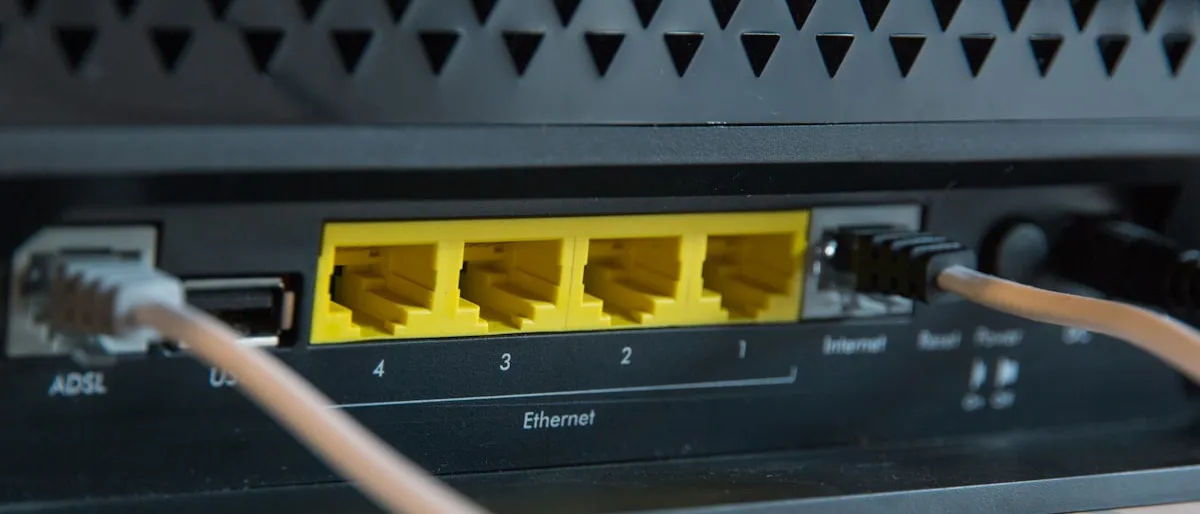
Error 6210, 0 shows up in multi-user mode when a workstation tries to open the company file and the connection to the hosting computer times out before it finishes.
Why this happens
- The hosting computer is under heavy load (other software, large file operations)
- Wi-Fi or an unstable network connection between workstation and host
- QuickBooks Database Server Manager isn’t running the correct version to match workstations
- Too many workstations trying to open the same large file at once
Steps to fix it
- Confirm every workstation and the server are on the same QuickBooks Desktop version and release — mismatched versions are a common, overlooked cause of 6210, 0.
- Use a wired connection instead of Wi-Fi for the host machine if at all possible; multi-user file access is sensitive to network latency.
- Restart QuickBooks Database Server Manager on the host machine, and confirm it shows your company file’s folder as monitored.
- Stagger login times if several people open the file at the exact same moment each morning — opening one at a time reduces server load spikes.
- Check server resource usage during the timeout — if the host machine is also running other heavy software, moving the company file to a dedicated or less-loaded machine can resolve it.
When to get help
If the timeout happens consistently even with matched versions and a wired connection, the server machine itself may not have the resources to host QuickBooks reliably for your team size — worth a second opinion before buying new hardware. Intuit’s official QuickBooks Desktop Tool Hub guide covers Database Server Manager in more depth.
Frequently asked questions
Why does Error 6210, 0 only happen sometimes?
Because it's usually a timing issue — the workstation gives up waiting for a response from the server before the connection completes. Slow networks, an overloaded server, or a large company file all make the timeout more likely.
Does upgrading our network speed actually help?
It can, but the bigger factor is usually the server machine's load and QuickBooks Database Server Manager configuration, not raw bandwidth. Check those first before assuming you need new hardware.
Still stuck after trying these steps?
Some QuickBooks errors need hands-on troubleshooting in your actual company file. [Owner Full Name] (QuickBooks Certified ProAdvisor) can take a look and fix it directly — call FindMeXpert and we'll walk through it with you.
Call [(555) 123-4567]FindMeXpert is an independent QuickBooks ProAdvisor practice, not affiliated with Intuit Inc.
Related QuickBooks errors
Written by [Owner Full Name]
QuickBooks Certified ProAdvisor · FindMeXpert
Need help with this? See our related service.